Overview
This guide is based on Ubuntu 24.04.2
Note that in this setup a compute node will have multiple services running. Normally one would e.g. separate in different compute and storage nodes
Management IP
/etc/netplan/10-static.yaml
network:
  version: 2
  renderer: networkd
  ethernets:
    eno1:
      dhcp4: false
  vlans:
    vlan120:
      id: 120
      link: eno1
      addresses:
        - 192.168.120.211/24
      routes:
        - to: default
          via: 192.168.120.1
      nameservers:
        addresses:
          - 192.168.100.11
        search:
          - rhmlab.local
Prereqs
NTP
For NTP setup please refer to the generic NTP config page
Add Openstack packages
Need to install software-properties-common before adding repo
sudo apt -y install software-properties-common
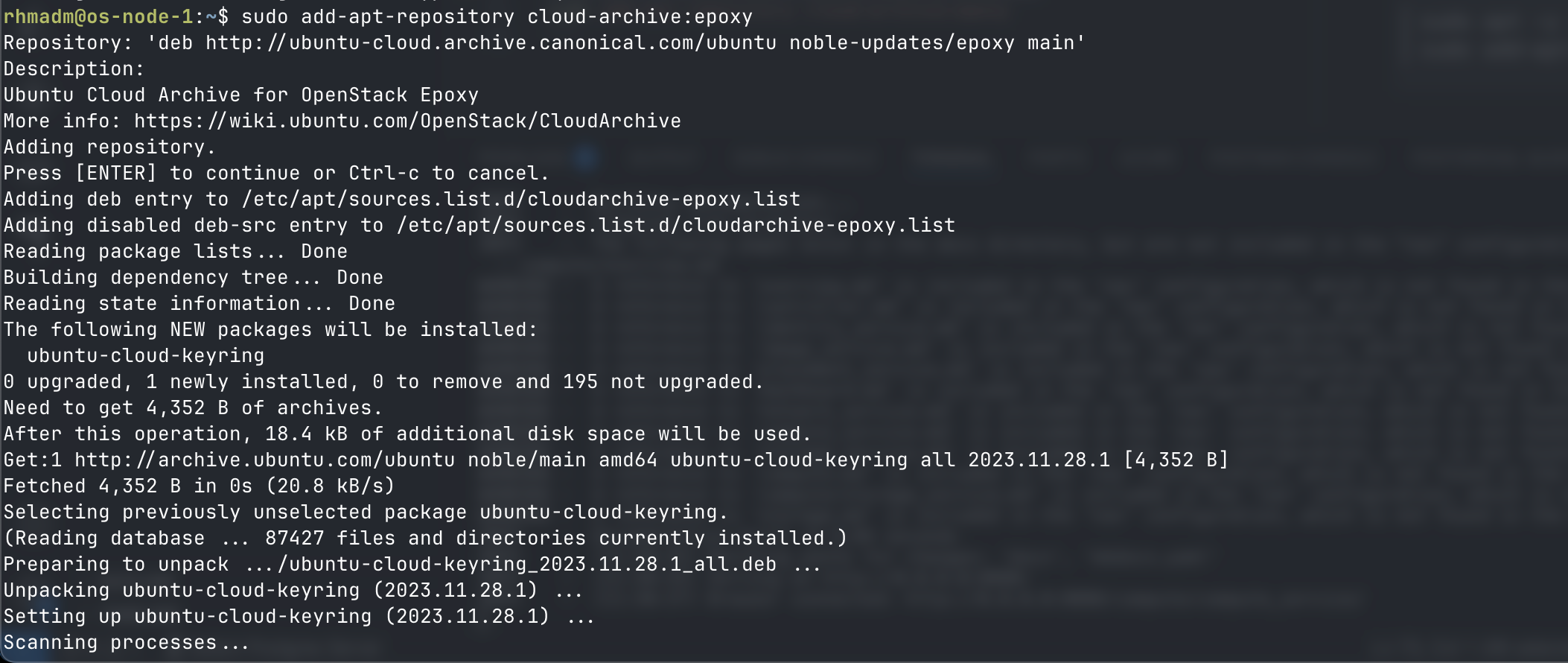
sudo add-apt-repository cloud-archive:epoxy
Name resolution
For name resolution setup please refer to the generic Name resolution page
Provider network
The compute node needs to have a interface available for the Provider network
ip a
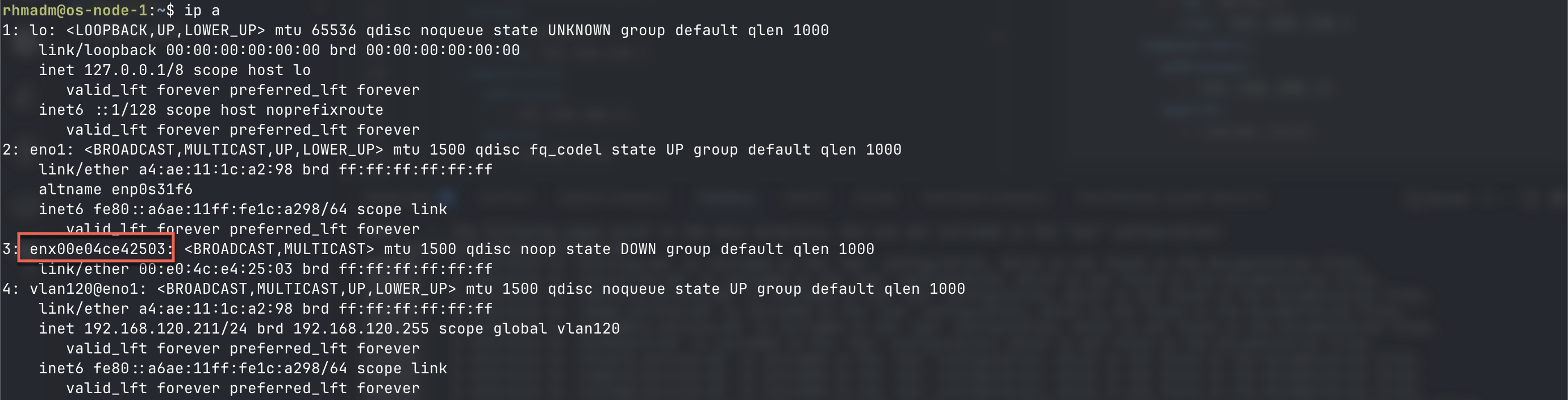
Note the free interface. We'll add it to our netplan config with no IP and set the dhcp4 to false and give it a more readable name
/etc/netplan/10-static.yaml
network:
  version: 2
  renderer: networkd
  ethernets:
    eno1:
      dhcp4: false
    enx00e04ce42503:
      dhcp4: false
      match:
        macaddress: "00:e0:4c:e4:25:03"
        set-name: eno10
  vlans:
    vlan120:
      id: 120
      link: eno1
      addresses:
        - 192.168.120.211/24
      routes:
        - to: default
          via: 192.168.120.1
      nameservers:
        addresses:
          - 192.168.100.11
        search:
          - rhmlab.local