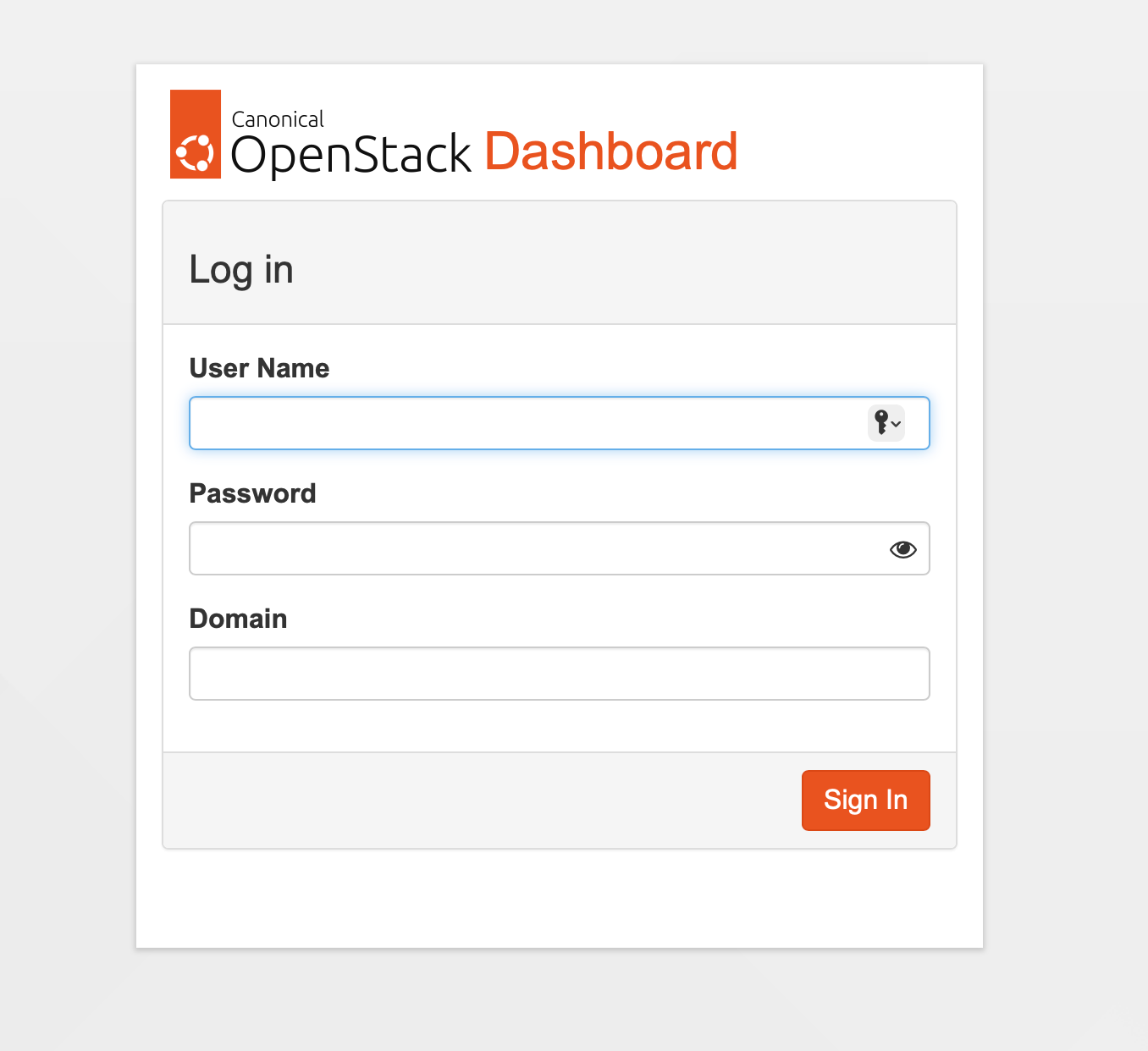
Horizon service
Horizon is the default dashboard / UI for Openstack
https://docs.openstack.org/horizon/2025.1/install/install-ubuntu.html
Install and configure package
sudo apt install openstack-dashboard
/etc/openstack-dashboard/local_settings.py
OPENSTACK_HOST = "<SERVERNAME>"
OPENSTACK_KEYSTONE_URL = "http://%s:5000/identity/v3" % OPENSTACK_HOST #Add port
OPENSTACK_KEYSTONE_MULTIDOMAIN_SUPPORT = True
OPENSTACK_API_VERSIONS = {
    "identity": 3,
    "image": 2,
    "volume": 3,
}
OPENSTACK_KEYSTONE_DEFAULT_DOMAIN = "Default"
OPENSTACK_NEUTRON_NETWORK = {
    ...
    'enable_router': False,
    'enable_quotas': False,
    'enable_ipv6': False,
    'enable_distributed_router': False,
    'enable_ha_router': False,
    'enable_fip_topology_check': False,
}

ALLOWED_HOSTS = ['<FQDN1>', '<FQDN1>'] #Note that Allowed hosts might be present in the Ubuntu section, do not change this
SESSION_ENGINE = 'django.contrib.sessions.backends.cache'

CACHES = {
    'default': {
         'BACKEND': 'django.core.cache.backends.memcached.PyMemcacheCache',
         'LOCATION': 'controller:11211',
    }
}
Verify the following in /etc/apache2/conf-available/openstack-dashboard.conf
WSGIApplicationGroup %{GLOBAL}
Reload apache
sudo systemctl reload apache2.service
Verify
Go to the http://FQDN/horizon and check if the login appears
In my case it did not
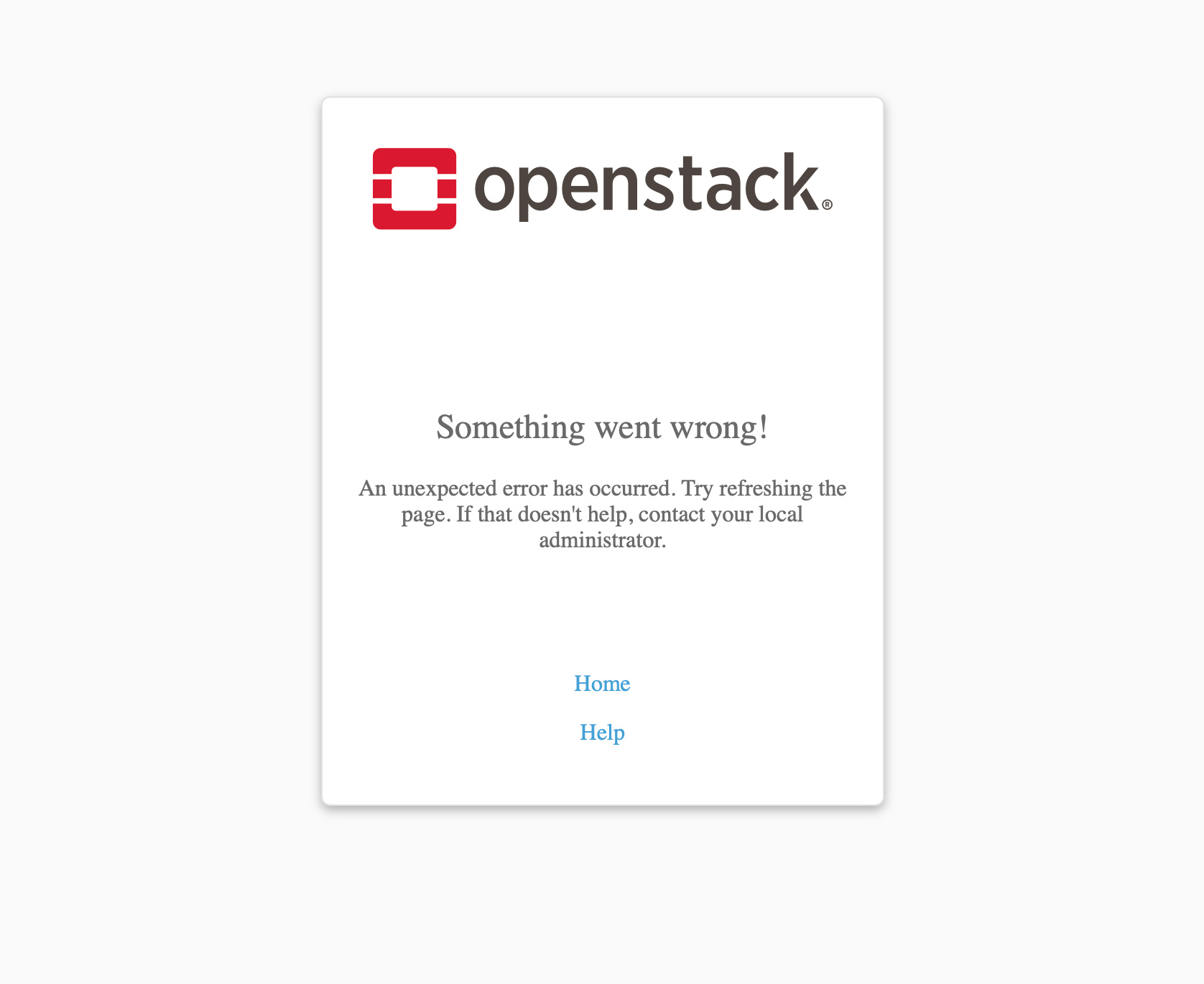
What I've found in two different installs this has been because of missing or invalid template and/or static cache. To rebuild it
sudo rm -rf /var/lib/openstack-dashboard/*
sudo rm -rf /var/lib/horizon/*
sudo python3 /usr/share/openstack-dashboard/manage.py collectstatic --noinput
sudo python3 /usr/share/openstack-dashboard/manage.py compress
sudo systemctl restart apache2
We might also need to reset the owner of the files in openstack-dashboard
sudo chown -R horizon:horizon /var/lib/openstack-dashboard/
Now the dashboard should load