Glance
Glance is the image service in Openstack and is a vital part of the platform
In this setup we'll use the local file system on the controller node for storing images
Prepare database
sudo mysql
CREATE DATABASE glance;
GRANT ALL PRIVILEGES ON glance.* TO 'glance'@'localhost' \
  IDENTIFIED BY 'GLANCE_DBPASS';
GRANT ALL PRIVILEGES ON glance.* TO 'glance'@'%' \
  IDENTIFIED BY 'GLANCE_DBPASS';
Create service credentials for image service
. admin-openrc
openstack user create --domain default --password-prompt glance
openstack role add --project service --user glance admin
openstack service create --name glance --description "OpenStack Image" image
Create service endpoint
openstack endpoint create --region <REGION> image public http://<FQDN>:9292
openstack endpoint create --region <REGION> image admin http://<FQDN>:9292
openstack endpoint create --region <REGION> image internal http://<FQDN>:9292
Install package
sudo apt install glance
Configuration
/etc/glance/glance-api.log
[DEFAULT]
use_keystone_limits = False
enabled_backends = fs:file
disk_formats = ami,ari,aki,vhd,vhdx,vmdk,raw,qcow2,vdi,iso,ploop

[database]
connection = mysql+pymysql://glance:Passw0rd@os-control/glance
backend = sqlalchemy

[glance_store]
default_backend = fs
stores = file, http
default_store = file

[keystone_authtoken]
www_authenticate_uri  = http://os-control:5000
auth_url = http://os-control:5000
memcached_servers = os-control:11211
auth_type = password
project_domain_name = Default
user_domain_name = Default
project_name = service
username = glance
password = Passw0rd

[oslo_limit]
auth_url = http://os-control:5000
auth_type = password
user_domain_id = default
username = glance
system_scope = all
password = Passw0rd
endpoint_id = <ID_OF_PUBLIC_ENDPOINT_CREATED_EARLIER>
region_name = RegionAma

[paste_deploy]
flavor = keystone

[fs]
filesystem_store_datadir = /var/lib/glance/images/
Ensure user has read access to system resources
openstack role add --user glance --user-domain Default --system all reader
Populate database
sudo glance-manage db_sync
Restart service
sudo service glance-api restart
Verify operation
Download image
wget http://download.cirros-cloud.net/0.4.0/cirros-0.4.0-x86_64-disk.img
Upload to glance
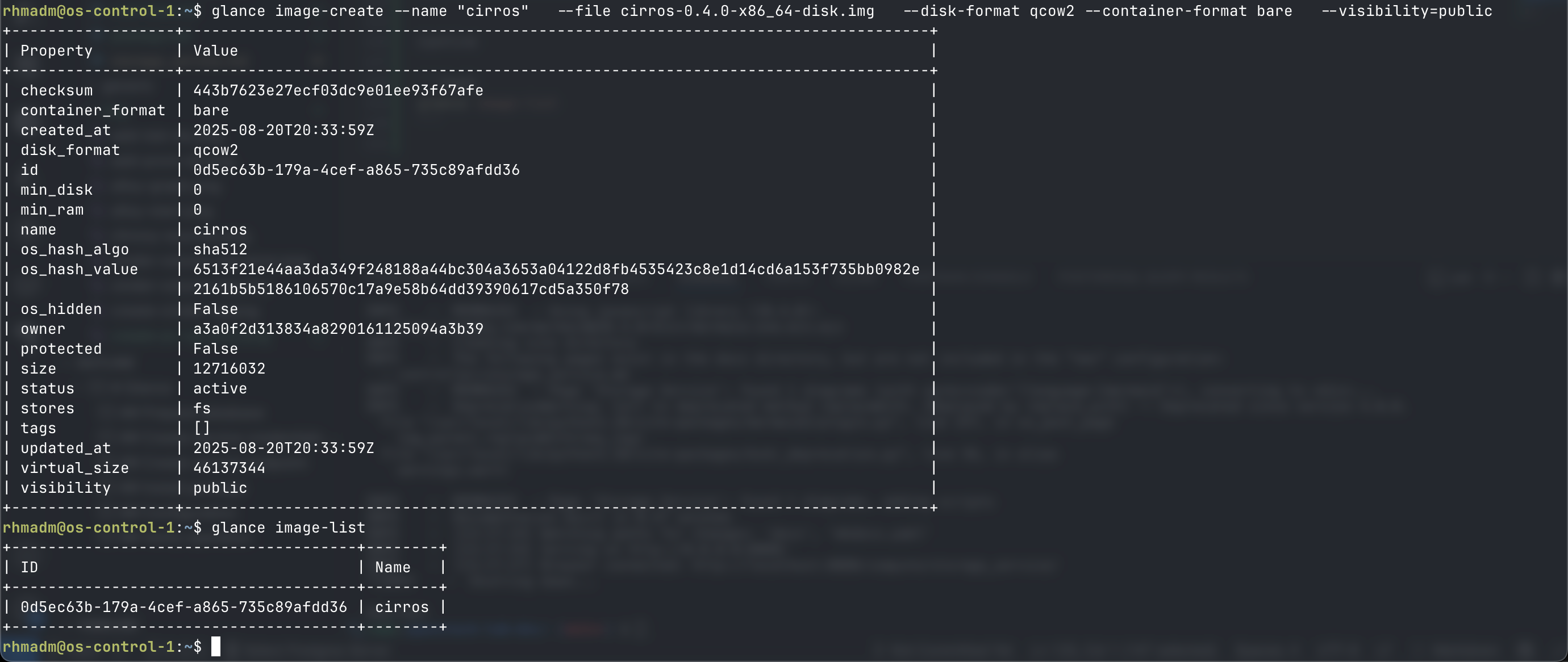
glance image-create --name "cirros" \
  --file cirros-0.4.0-x86_64-disk.img \
  --disk-format qcow2 --container-format bare \
  --visibility=public
Confirm
glance image-list