Dashboard
For visualizing our metrics and logs we'll use Grafana
Before running the installation be sure to configure the Grafana apt repository
sudo apt install grafana
We'll stick with the default config so we can go ahead and start and enable the service
sudo systemctl start grafana-server
sudo systemctl enable grafana-server
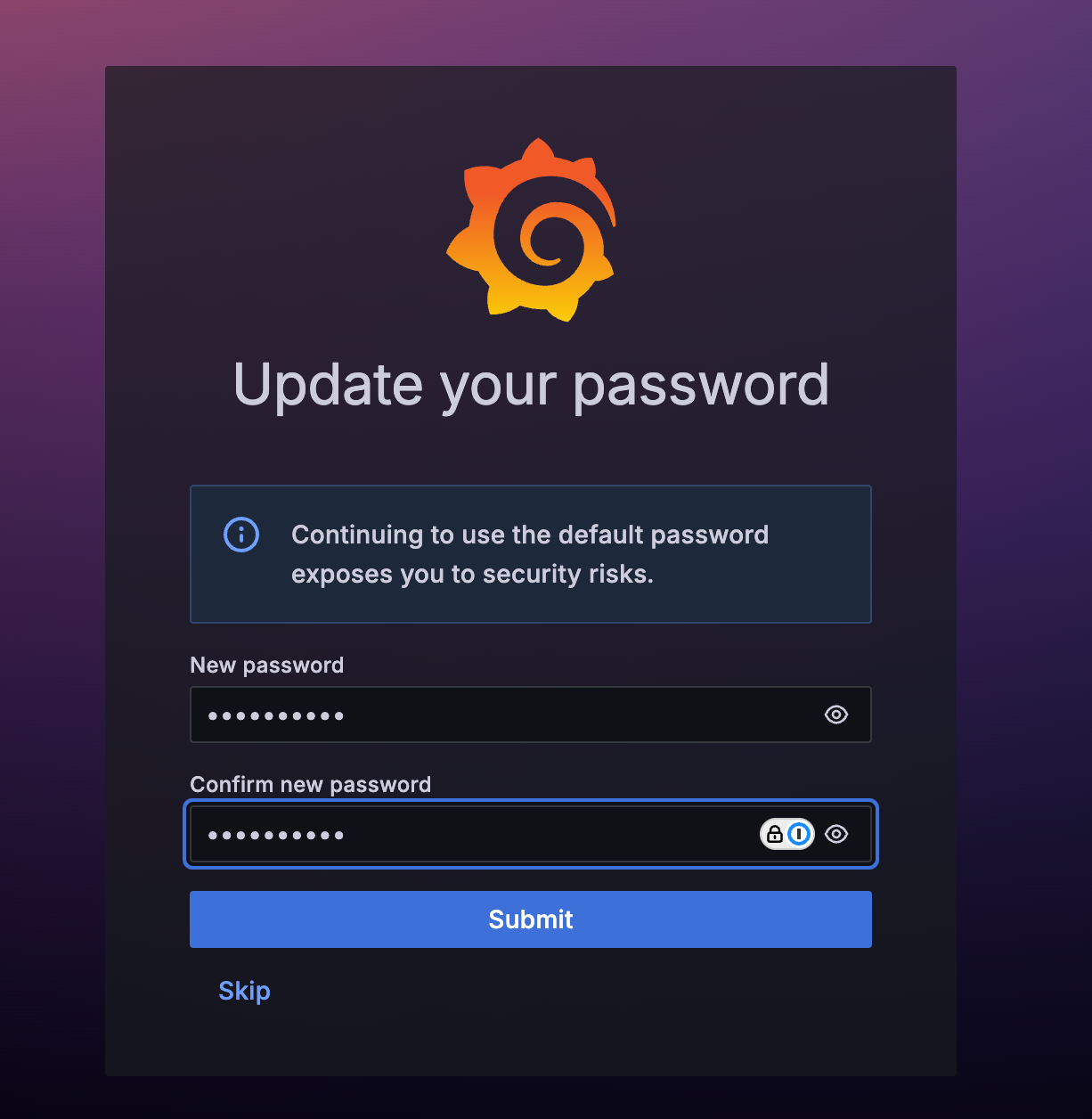
We'll log in with the default admin / admin and set a new password