Add NFS based storage
This section describes how to add storage from a SAN based on NFS. Most of this is done on the storage node
Install nfs utilities
https://docs.openstack.org/cinder/2025.1/admin/nfs-backend.html
https://docs.openstack.org/cinder/latest/configuration/block-storage/drivers/nfs-volume-driver.html
Install NFS packages
sudo apt install nfs-common
Define NFS server
/etc/cinder/nfs_shares
192.168.1.168:/volume1/cinder01
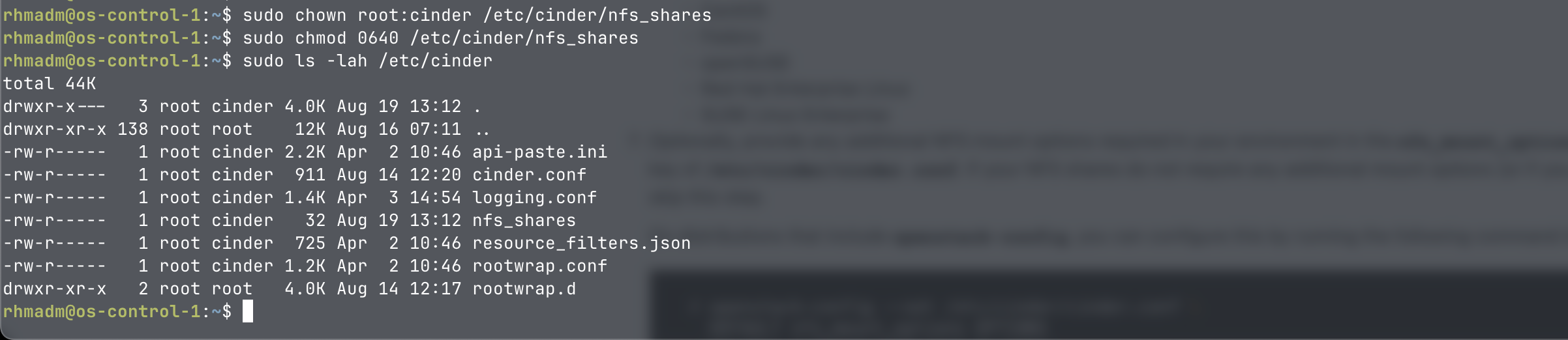
Ensure ownership of file
sudo chown root:cinder /etc/cinder/nfs_shares
sudo chmod 0640 /etc/cinder/nfs_shares
Configure cinder
We assume here that the cinder-volume service is installed on the storage node
/etc/cinder/cinder.conf
Update config with
[DEFAULT]
...
enabled_backends = lvm,nfs #Example, might be multiple backends confugred

[nfs]
volume_driver = cinder.volume.drivers.nfs.NfsDriver
nfs_shares_config = /etc/cinder/nfs_shares
nfs_mount_point_base = /var/lib/cinder/mnt
volume_backend_name = nfsbackend
If selecting a different
nfs_mount_point_basemake sure cinder has ownership of the directory
Restart and verify cinder service
sudo systemctl restart cinder-volume
sudo systemctl status cinder-volume
Note that this is connecting to nfs with the root account. Hopefully we'll revisit this later on
Update and Verify on controller
/etc/cinder/cinder.conf
[DEFAULT]
...
enabled_backends = lvm,nfs #Match what is configured on the storage node
#default_volume_type = lvm #optional
...
sudo systemctl restart cinder-scheduler
. admin-openrc
openstack volume service list

Create volume type
openstack volume type create nfs
openstack volume type set nfs --property volume_backend_name=nfsbackend
